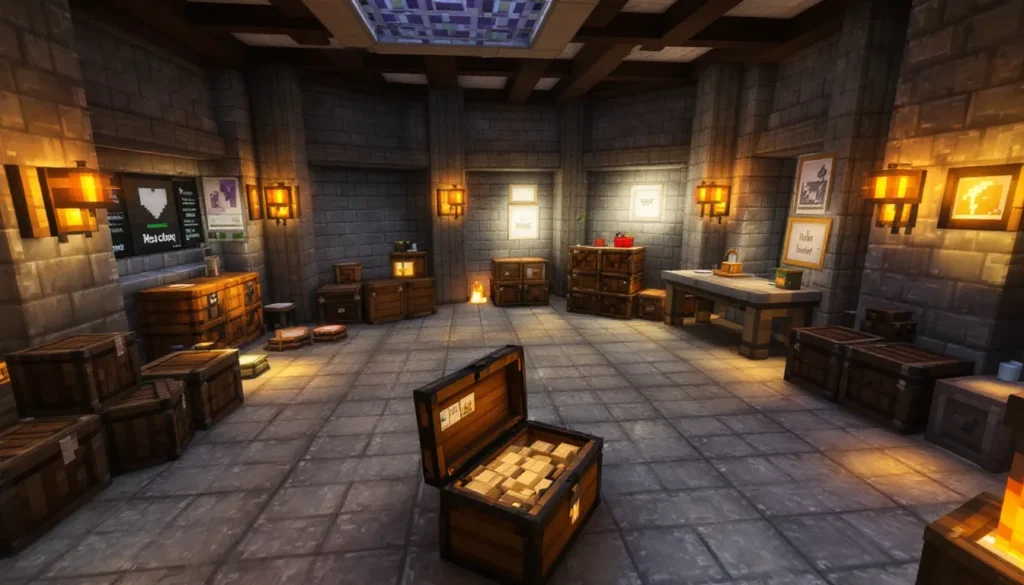
Minecraft on PS5 delivers the blocky adventure you’ve loved for years, but with a significant visual and performance upgrade. Whether you’re diving into creative mode to build your dream castle, or exploring a procedurally-generated world in survival mode, the PS5’s hardware brings sharper textures, faster load times, and smoother gameplay than ever before. With ray tracing support, cross-platform play capabilities, and optimized controls tailored for the DualSense controller, there’s never been a better time to experience Minecraft on PlayStation’s latest console. This guide covers everything you need to know to get started and master the fundamentals on PS5.
Table of Contents
ToggleKey Takeaways
- Minecraft PS5 delivers 60 FPS performance and near-instant load times thanks to the console’s SSD, making exploration and building significantly faster than older PlayStation versions.
- The PS5 version runs Bedrock Edition, enabling cross-platform play with PC, Xbox, Nintendo Switch, and mobile players through Realms or split-screen multiplayer.
- Ray tracing support on Minecraft PS5 creates realistic lighting and reflections but may reduce frame rates to 40–50 FPS, so many players toggle it based on gameplay style.
- DualSense controller features like haptic feedback and adaptive triggers add immersive tactile feedback, though competitive builders often disable adaptive triggers for snappier response times.
- New players should start with simple structures and resource gathering—punch trees, craft tools, and gather iron before rushing into caves or advanced building projects.
Getting Started: Installing and Launching Minecraft on PS5
Installing Minecraft on PS5 is straightforward. Head to the PlayStation Store, search for “Minecraft,” and download the official Bedrock Edition version (not Java Edition, which is PC-only). The PS5 version runs Bedrock, the same engine powering Minecraft on Xbox, mobile, and Windows 10/11, so you’ll benefit from cross-platform play and unified servers.
Once installed, launch the game and sign in with your Microsoft account. This is crucial, a Microsoft account links your progress, achievements, and realms across all Bedrock platforms. You’ll need to create one if you don’t have it already. The PS5 version downloads around 5–7 GB, so allocate enough SSD space and expect a 10–15 minute installation depending on your internet speed.
After launch, you’re greeted with the main menu. From here, you can start a new world, load an existing one from cloud saves, or join a multiplayer realm. The game will prompt you to choose a game mode: Survival (must gather resources and manage hunger), Creative (unlimited resources, no threats), or Adventure (custom restrictions). First-timers should grab the Autocrafter Minecraft: Unlock Next-Level guide if they plan to jump into survival gameplay and want to streamline crafting workflows later.
What Makes Minecraft on PS5 Special: Graphics, Performance, and Features
The PS5 version of Minecraft shines compared to older PlayStation iterations. Load times are nearly instant thanks to the SSD, and frame rates hit a solid 60 FPS in most conditions. You’re no longer waiting 30 seconds for chunks to render or worlds to load, you’ll be building within seconds.
The visual upgrade is also noticeable. Minecraft on PS5 supports much larger draw distances, meaning you can see further across your world without terrain suddenly popping in. Foliage renders crisper, water flows smoother, and the overall visual clarity trumps PS4 versions significantly.
One standout feature is the DualSense controller integration. The haptic feedback and adaptive triggers deliver tactile feedback when breaking blocks or placing them, adding a subtle but immersive layer to gameplay. You’ll feel the resistance when drawing a bow or the vibration when an explosion rocks your structure.
Ray Tracing and Visual Enhancements
Ray tracing is Minecraft’s biggest visual leap on PS5. This feature simulates realistic light behavior, creating dynamic shadows, reflections in water, and ambient occlusion (shadowing in crevices). Enabling ray tracing softens the blocky aesthetic, making moonlit nights genuinely atmospheric and water surfaces reflective and lifelike.
But, ray tracing does impact frame rate. The PS5 maintains 60 FPS at native resolution without ray tracing, but enabling it may drop frames to 40–50 depending on scene complexity. Many players toggle it off for competitive building sessions and enable it for scenic exploration or creative screenshots. You can adjust ray tracing intensity in settings to find your sweet spot between visuals and performance.
Essential Building Tips for PS5 Players
Building on Minecraft PC world environments or within Minecraft Xbox environments differs from PS5 due to controller input, but the core principles remain the same. On PS5, you’ll use the D-pad to cycle through inventory items and R2 to place blocks. Learning muscle memory for quick cycling is essential: many experienced builders remap controls for faster access.
Start with simple structures: a dirt hut, a basic wooden house, or a small farm. This teaches you block placement, orientation, and the feel of the controller’s placement mechanics. As you progress, experiment with roofing patterns, window placement, and symmetry. Most server communities (when playing multiplayer) will show off builds using simple materials, wood, stone, and basic concrete, before advancing to decorative blocks like stairs, slabs, and trapdoors.
Resource gathering is the foundation of any build. Punch trees for wood early on, craft a wooden pickaxe, then mine stone for a stone pickaxe. This progression unlocks iron, diamonds, and eventually Netherite. Don’t rush underground blind, caves are dangerous and easily disorienting. Bring torches, mark your path, and always mine iron ore when you see it.
Mastering the Controller and Quick Build Controls
The PS5 DualSense controller’s ergonomics are ideal for Minecraft’s placement-heavy gameplay. The adaptive triggers provide subtle resistance that some players find frustrating initially but appreciate once they adjust. Disable adaptive triggers in settings if they feel sluggish, many competitive builders prefer a snappier response.
Customize your hotbar for quick access. Assign frequently-used blocks to slots 1–5 of your inventory, then cycle using D-pad left/right. Keep your pickaxe in slot 1, building blocks in slots 2–4, and torches in slot 5. This minimizes time spent in menus and lets you maintain flow.
In creative mode, the building pace accelerates. You have unlimited blocks, no threats, and can fly. Use this mode to practice layouts, test roof designs, or collaborate with friends on massive projects. Switch between survival and creative as needed to refine skills, creative builds your vision quickly, survival teaches resource management and problem-solving.
Multiplayer and Cross-Platform Play on PS5
Minecraft on PS5 supports multiplayer through two methods: local split-screen (up to 4 players on one TV) and online multiplayer via Realms or third-party servers.
Split-screen is perfect for couch co-op. You and up to three friends can explore the same world simultaneously on one screen, each with independent control. It’s chaotic and fun but can strain performance, frame rates may dip slightly with more players active. Realms is Minecraft’s official subscription service (approximately $8/month USD). You create a private realm, invite up to 10 players, and they can join anytime, anywhere. Progress is server-side, so someone always hosts, perfect for long-term collaborative projects.
Cross-platform play is a game-changer. Your PS5 realm invites work for Minecraft PC, Xbox, Nintendo Switch, and mobile players. This means you’re building with friends regardless of their platform. But, Java Edition (PC’s original version) doesn’t support cross-platform play, only Bedrock Edition does. If your friend plays Java, they won’t see your Bedrock world.
For competitive play, servers and mini-games are limited on console compared to Java servers, but Realms are stable, lag-free, and ideal for vanilla survival or creative projects. Recent PlayStation coverage at Push Square has highlighted how cross-platform features are leveling the playing field for console players. Joining a friend’s realm is seamless: they send an invite via your Microsoft account, and you accept in-game. Performance remains solid even with multiple players building simultaneously, thanks to the PS5’s CPU and network stability.
Conclusion
Minecraft on PS5 is the definitive console experience for builders and explorers alike. Fast loading, smooth 60 FPS gameplay, and the flexibility of ray tracing deliver a polished adventure that respects both casual players and hardcore enthusiasts. Whether you’re settling into a survival world, collaborating with friends across platforms via Realms, or crafting intricate builds, the PS5’s hardware and Bedrock engine create an unbeatable foundation. Immerse, grab some wood, and start building, your Minecraft journey awaits.