If you’re diving into Minecraft for the first time or considering which version to play, Minecraft Java Edition remains the gold standard for PC gamers who want total control over their experience. Launched in 2009, Java Edition has evolved into a powerhouse for modding, server customization, and competitive play. Unlike its younger sibling, Bedrock Edition, Java runs exclusively on Windows, macOS, and Linux but offers unparalleled flexibility through mods, plugins, and custom content. Whether you’re building massive redstone contraptions, hosting a private server with friends, or experimenting with resource packs and shaders, Java Edition delivers the tools to make it happen. This guide breaks down what sets Java Edition apart, how to get started, and what you need to know about playing multiplayer in 2026.
Table of Contents
ToggleKey Takeaways
- Minecraft Java Edition is the definitive choice for PC gamers seeking extensive modding, server customization, and competitive gameplay with Forge and Fabric loaders.
- While Bedrock Edition dominates cross-platform play across consoles and mobile devices, Java Edition remains exclusive to Windows, macOS, and Linux but offers unparalleled customization potential.
- System requirements are modest—4 GB RAM minimum, but 8 GB is recommended for vanilla play and 16+ GB for heavy modpacks with optimal performance.
- Multiplayer options in Minecraft Java include direct IP connections, public servers, self-hosted or rented servers with plugins like Spigot or Paper, Realms, and community tools like GeyserMC for bridging Bedrock players.
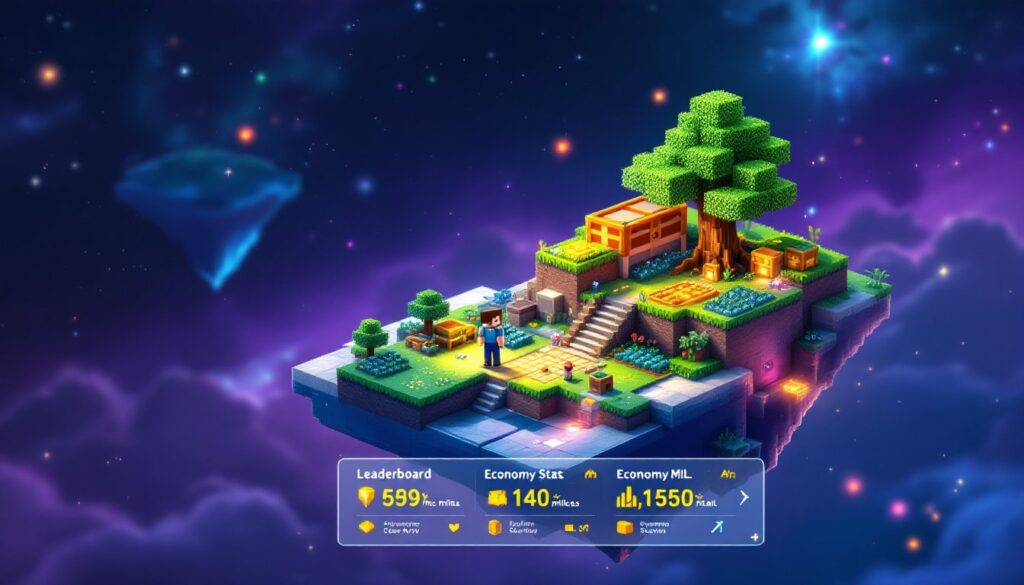
- Minecraft Java’s server ecosystem is unmatched for competitive play and specialized communities, offering custom games, economy systems, and genre-specific experiences from Skyblock to factions that Bedrock cannot replicate.
Minecraft Java vs. Bedrock Edition: Which Should You Choose?
The choice between Minecraft Java and Bedrock Edition comes down to what matters most to you. Both versions share the core loop of mining, crafting, and exploring, but they’re built on entirely different engines with distinct advantages.
Java Edition runs on the original Java codebase and uses the Anvil world format, giving it deep customization potential. Bedrock Edition, written in C++, uses LevelDB for world storage and runs on Windows 10/11, Xbox, PlayStation, Nintendo Switch, iOS, and Android, making it the true cross-platform version.
Key Differences and Platform Compatibility
Platform availability is the first major split. Java Edition is PC-only: Windows, macOS, and Linux. If you want to play on a console or mobile device, Bedrock is your only option. Bedrock dominates in device range, but Java owns the modding ecosystem entirely.
Gameplay mechanics differ subtly but noticeably. Redstone behavior, mob AI, fishing mechanics, and combat feel slightly different between versions. For example, Bedrock fishing rods have higher durability than Java’s, but they can’t catch certain fish types the same way. Block states and item names aren’t always identical either, a point of friction if you switch between editions.
Customization is where Java pulls ahead dramatically. Java Edition supports extensive mods via Forge and Fabric loaders, server plugins on platforms like Spigot and Paper, custom data packs, GLSL shaders, and even custom fonts. Bedrock offers behavior packs and add-ons through the Marketplace, but you won’t get traditional Java-style mods or server-side plugins. If modding is important to you, Java is the only serious choice.
Crossplay heavily favors Bedrock. Native cross-platform play works across all Bedrock devices, console players, PC users, and mobile gamers can all join the same world. Java players can only join other Java players directly. That said, community tools like GeyserMC can proxy Bedrock players onto Java servers, but this requires additional server setup and isn’t official.
Controls and accessibility lean toward Bedrock. It natively supports controllers and widespread touch input, making it ideal if you want to play on a couch or tablet. Java expects keyboard and mouse, though controllers work with third-party tools.
Getting Started: Installation, System Requirements, and Launcher Setup
Setting up Minecraft Java Edition is straightforward if you follow the proper steps. The unified Minecraft Launcher handles installation for both Java and Bedrock on Windows, streamlining the process considerably.
Start by creating or signing into a Microsoft account, this is non-negotiable now that Microsoft owns Minecraft. Next, purchase or redeem Minecraft: Java Edition through the official Minecraft website or Microsoft Store. Download the Minecraft Launcher, sign in with your Microsoft account, select Minecraft: Java Edition, and hit Install. Once complete, you’re ready to play.
Resource management matters here. After installation, you can create separate installation profiles for different purposes: one for vanilla 1.20.x, another for modded play, and perhaps one for snapshots if you like testing new features. This prevents version conflicts and makes switching between setups painless.
What You Need to Install and Run Minecraft Java
System requirements for Minecraft Java Edition are modest by modern standards, but they’ve inched up over recent updates. You’ll need a PC running Windows 10/11 64-bit, macOS (recent versions), or Linux (64-bit distributions).
CPU-wise, an Intel Core i3 or AMD equivalent serves as the baseline, though faster processors improve performance noticeably. RAM is critical: 4 GB is the absolute minimum, but practically speaking, 8 GB is the sweet spot for vanilla play, and 16+ GB is recommended if you’re running heavy modpacks. Integrated graphics handle vanilla Minecraft fine, but a dedicated GPU from NVIDIA or AMD makes higher settings and shaders smooth.
Storage needs several GB for the base game and worlds: more if you’re collecting resource packs and mods. The Minecraft Launcher bundles the Java runtime, so you don’t need to install Java separately anymore, a huge quality-of-life improvement from earlier years.
Once installed, you can tweak performance through the launcher’s installation editor. Allocate RAM by adjusting JVM arguments (typically starting with -Xmx flags), choose your game directory, and select your preferred version. For players exploring modded Minecraft Dungeons content or Java Edition variants, having multiple profiles prevents constant reinstalling.
Playing With Others: Multiplayer Options and Cross-Platform Play
Multiplayer in Minecraft Java Edition gives you flexibility that Bedrock’s more streamlined approach doesn’t match. You’ve got several paths depending on how much control you want and how many friends you’re inviting.
Direct IP and LAN are the simplest options. Open your world to local network play for friends on the same connection, or port-forward your home network to host a public server. If that sounds intimidating, don’t worry, many players use this method without issues, though it requires some router knowledge.
Public servers let you join communities without hosting anything yourself. Find a server by its IP address or hostname, enter the connection details, and jump in. Popular servers running Spigot or Paper software often have thousands of players simultaneously. This is where you’ll find survival communities, creative builders, and PvP matches.
Self-hosted or rented servers give you full authority. Rent a server from a host or run your own hardware, then install server software like Spigot or Paper. This unlocks plugins for custom games, economy systems, and total control over rules and whitelists. Many serious communities prefer this setup because you can ban griefers, run custom events, and shape the world your way. Sites like Game Rant regularly cover server recommendations and guides for getting started.
Realms: Java Edition is Mojang’s managed solution. Pay a monthly fee for a private, Mojang-hosted server with a simpler setup process and automatic backups. No plugins, but reliable uptime and easier administration for casual groups.
Cross-platform play is the tricky part. Java and Bedrock run on completely different engines and use different network protocols, so they can’t directly connect. Native Java multiplayer stays among Java players on Windows, macOS, and Linux only. This is a significant limitation if your friends play Bedrock Edition exclusively.
But, community-run projects like GeyserMC can bridge this gap by acting as a proxy layer, allowing Bedrock players to join Java servers. Setting it up requires additional server configuration and isn’t supported by Mojang, but it works remarkably well for those willing to tinker. Resources like Twinfinite have published detailed guides on proxy servers and crossplay workarounds.
Security matters when playing online. Enable two-factor authentication on your Microsoft account, use a strong password, and only join servers from trusted sources. Be cautious downloading mods or resource packs from untrusted creators, malicious files are rare but possible. Stick to verified sources like CurseForge and Modrinth when grabbing community content.
For competitive play or large communities, Minecraft Java’s server ecosystem is unmatched. Servers running modified gameplay, custom maps, and plugin systems create experiences you simply can’t replicate in Bedrock. Whether you’re into Skyblock, factions, creative building, or PvP, someone’s running a server for your playstyle. PC Gamer regularly publishes ranked server lists and performance benchmarks worth checking out when choosing where to play.
Another avenue worth mentioning: the Autocrafter Minecraft feature in newer snapshots (and eventual full release) lets you automate crafting recipes on servers with proper configurations, adding a whole new dimension to survival multiplayer progression and factory-style gameplay.
Conclusion
Minecraft Java Edition remains the ultimate version for players who crave customization, modding, and server control. It’s PC-exclusive, requires a Microsoft account, and demands slightly more horsepower than Bedrock, but it rewards you with an ecosystem of mods, plugins, and community-driven content that Bedrock simply can’t match. Whether you’re hunting for the perfect modpack, running a private server with friends, or joining a massive public community, Java Edition delivers the flexibility and depth that keep players coming back after more than a decade. If mods and server customization matter to you, there’s no competition, Java is home.